What is KEA Wallet
KEA Wallet is a browser-based crypto wallet for the Thru blockchain. There's nothing to download or install — open keawallet.com in any modern browser and sign in with a passkey (Face ID, Touch ID, or a security key). Your keys stay on your device, never on a server.
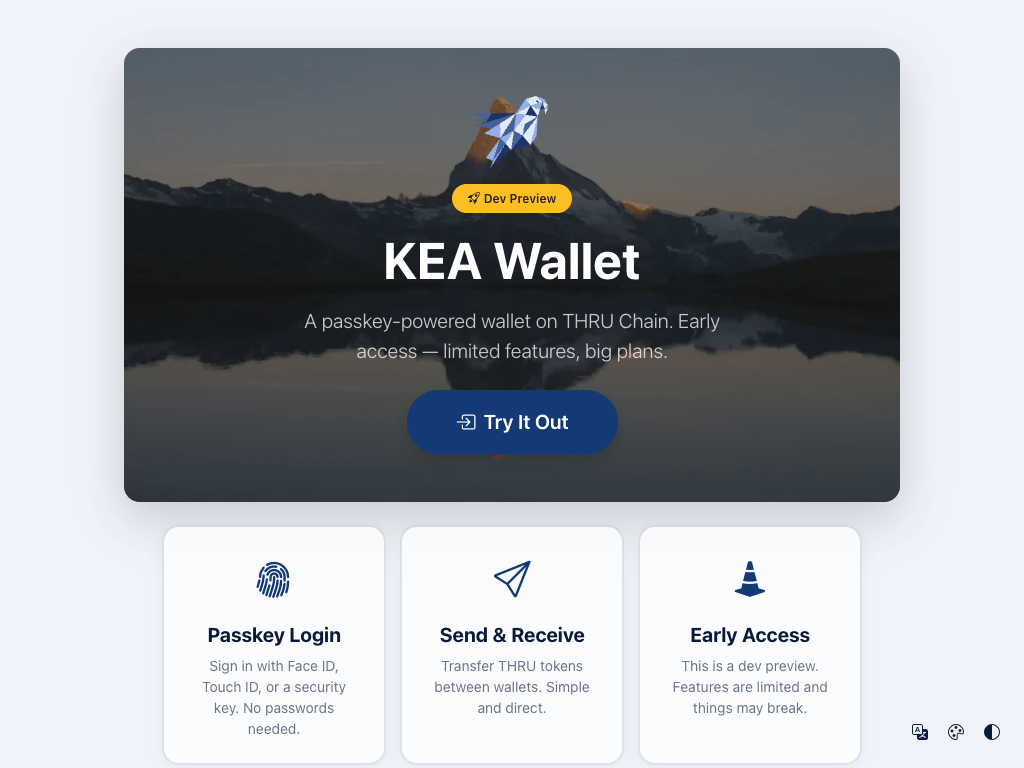
KEA Wallet is currently in Dev Preview. Core features work, but functionality is limited and things may change. Try it out at keawallet.com.
Key Features
- No installation required — works directly in your browser. No extensions, no app store downloads.
- Passkey-first login — sign in with Face ID, Touch ID, or a hardware security key. No passwords to remember.
- Thru-native — built specifically for the Thru blockchain. Hold, send, and receive THRU tokens.
- Works on any device — desktop, tablet, or phone — anything with a modern browser and passkey support.
How It Differs from Traditional Wallets
| Feature | Traditional Wallets (MetaMask, Phantom) | KEA Wallet |
|---|---|---|
| Installation | Browser extension or mobile app required | None — runs in your browser |
| Authentication | Password + seed phrase (12-24 words) | Passkey (biometric or security key) |
| Backup | Must securely store seed phrase | Passkey sync + recovery phrase for Fee Payer |
| Blockchain | Ethereum, Solana, etc. | Thru blockchain |
| Key storage | In extension or app | On your device, never exposed to websites |
Your passkey is hardware-bound and phishing-resistant — it only works on the real keawallet.com domain. The recovery phrase is only used as a backup for your Fee Payer account and is encrypted on your device.
What You Can Do
- Hold THRU tokens — view your balance and account address on the wallet dashboard.
- Send and receive — transfer THRU tokens to any address on the Thru blockchain. See Sending & Receiving.
- Manage multiple accounts — create Daily, Savings, or Trading accounts to organize your funds. See Managing Accounts.
- Connect to dApps — websites that integrate the KEA Wallet SDK can request your permission to view your address and submit transactions for your approval.
How It Works
When you visit keawallet.com or connect through a dApp, the wallet runs inside a secure browser sandbox. Your private keys never leave that sandbox — even the dApp you're using cannot see them.
For a deeper look at the security architecture, including iframe isolation and message validation, see Security.
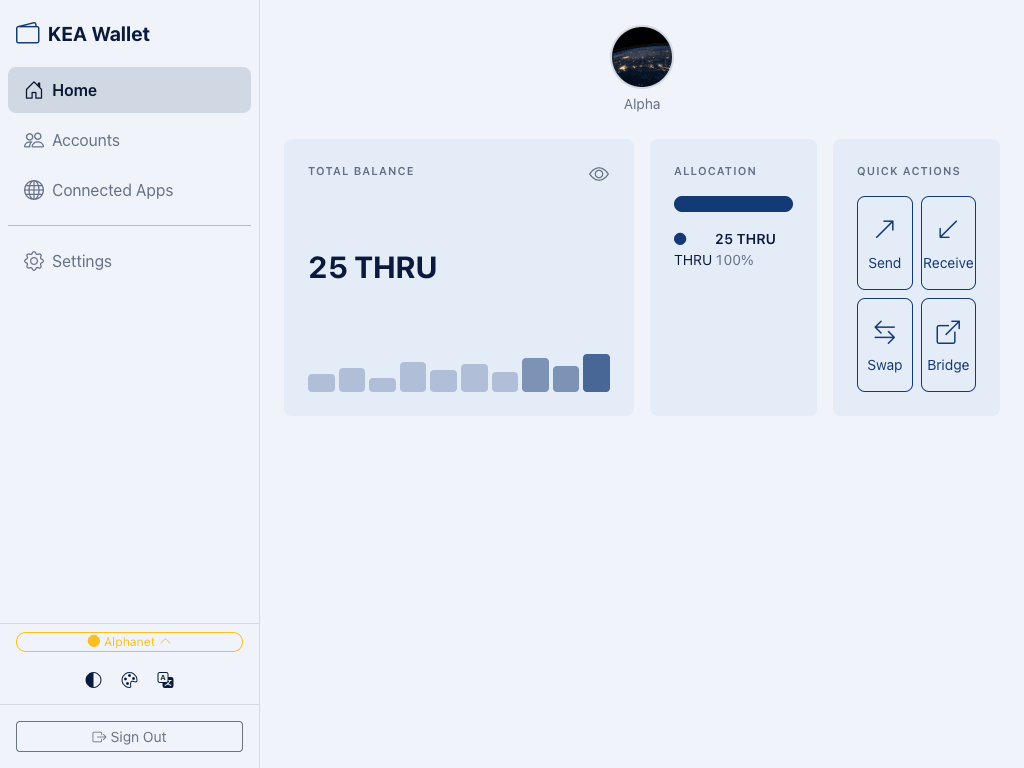
What's Next
- Getting Started — Create your account and explore the wallet dashboard
- Sending & Receiving — Transfer THRU tokens between wallets
- Managing Accounts — Create and switch between multiple accounts
- Security — How passkeys and recovery phrases protect your wallet
- Troubleshooting — Solutions for common issues